Attention: BUSINESS OWNERS who have been putting off creating an online video course/content.
You Don’t Need A Studio Full Of Expensive Equipment To Create A High-Quality Money-Making Online Video Course
Attention: BUSINESS OWNERS who have been putting off creating an online video course
Play the video to discover how your Modern Smartphone can help create high-quality video courses & content!
The Problem And The Opportunity:
The Covid pandemic “forced” businesses to change how they communicate. Doesn’t it feel like everyone is suddenly using video to try and get new clients?
How do you stand out in an environment like that?
Well, it’s easier than you probably think.
The truth is, even if your competitors are using video, they’re almost certainly doing it badly.
But I can show you how to use the iPhone's amazing 4K quality video, along with lights and microphones and other equipment you'll need to produce a video course that looks professional, and stands out.

You Have A Choice
Hire a professional videographer like me (I'm not cheap) with all my professional equipment... OR discover how to use your iPhone to create high-quality videos that get noticed.
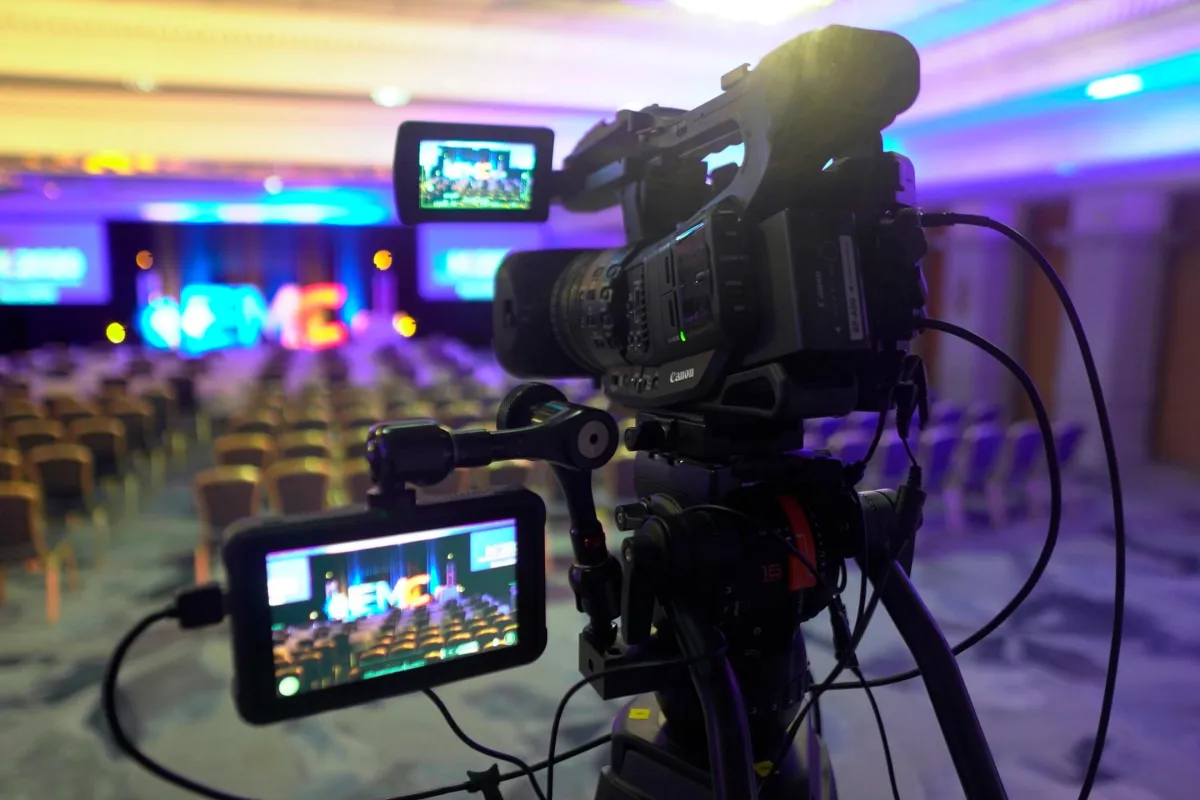
Introducing Smart Video Academy
A Unique, business focused online course that guides you from novice to highly competent iPhone/Android video creator with your first course in 7 days or less!
Follow the 4 modules below:
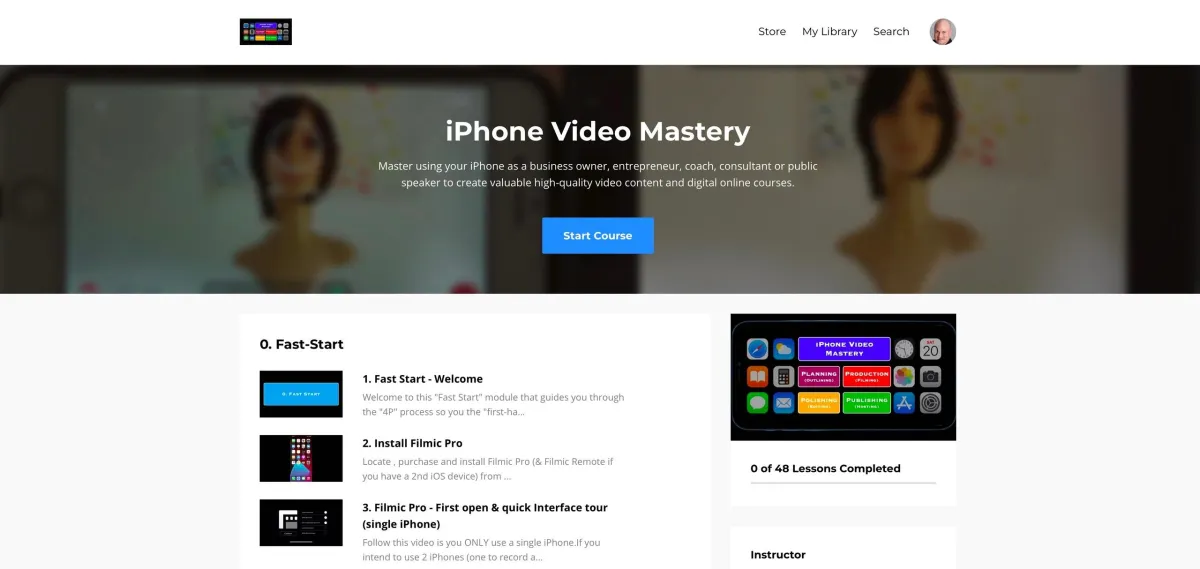
Module 1 - Plan
Plan your online course BEFORE you start recording! I show you a simple process that allows you to “map out” the content you want to record. You’ll also get my “Mind-map” system and a template example you can tweak to suit you. You’ll also get my "hand selected" equipment accessory list, so you’ll know exactly what you need and I’ve even provided links to purchase directly on Amazon US or UK websites.
Module 2 - Produce
Produce your video course content using the specific iOS/Android app that gives you the most control, flexibility and highest quality. You’ll learn in record time... as I ONLY teach the features you need to know. Plus, how to easily transfer your high-quality recordings to your computer. And setup lights like an expert once you follow simple overhead diagram showing how to setup your Phone and lights to give you best result in the quickest way.
Module 3 - Polish
Polish (edit) your high-quality recordings with FREE editing software on your computer. Learn easy step-by-step instructions from importing to trimming, adding titles (text), enhancing the video "look", ensuring the audio is just right and adding music (if needed) to exporting the final videos so they are perfectly ready to be uploaded to your video hosting membership site.

Module 4 - Publish
Publish your videos to a FREE video hosting membership site where you only pay when you sell your course (rather than monthly weather you sell or not). Once you’re attracting enough clients you can easily switch to a low monthly fee which is better value for 8-10 clients a month. I show you step by step how to upload videos, what boxes to fill in and even how to find the course purchase link!

Even a few years ago the difference in video image quality between an iPhone/Android and expensive professional cameras was huge.
The Covid pandemic gave me the chance to test the video quality on newer iPhones/Android phones. I was SHOCKED by how good the camera had become. Not just as a "webcam" alternative for live streaming but also as a "standalone" video camera for business video creation.
And I knew that there were many businesses that could benefit from learning how to benefit from it.
I then tested a lot of accessories for compatibility, reliability & performance. So now my clients have better video quality which helps them to deliver their expertise while visually standing out from their competitors.
I’ve taken all my expertise and experience and collated everything I know into a clear and easy to use course to help you master this high-quality iPhone/Android video production process in four straightforward steps.
I've personally supported dozens of clients in growing from video tech & creation novices to proficient content creators, with many producing their own video courses from the comfort to their office their home.
With all my knowledge condensed into this course, I can help you do the same in a relatively short timeframe (7-30 days) with efficiency

"I have a PhD but could not figure out how to film a decent video. My videos had terrible sound and looked like sandpaper.
In frustration I gave up trying for almost a year, but I still wanted to make videos.
Now I have a video collection that I designed, shot, edited and published! And I know how to make more.
I now feel confident that I can make good videos--from planning to putting them out there. I am forever grateful."
Michele "Mick" Mangione - PhD Somatics
Why would I want to teach you how to do my job?
I’m only one person, and as GOOD as I am (this is no time for false modesty) I can’t physically help all the people out there that need my help.
This way, by producing the Smart Video Academy Course, I can help hundreds of coaches, mentors and entrepreneurs to produce videos that get their word out to the world.
Here's just some of the benefits
High Quality iPhone/Android Video Course Creation so you attract new clients and deliver your expertise - which means more income and LESS repetitive work for you!
4 Main video creation modules broken down into bite-sized chunks (plus a bonus “fast start module”) so you can deliver your expertise to a wider audience and avoid repeating yourself over and over.
Revealed: the best iPhone/Android video recording app which will skyrocket your video quality
Hot off the press: the best quality audio accessories to sound professional when recording with your iPhone.
Hand selected and cost effective lighting options so you look amazing when recording on your iPhone camera
Reach a global audience with your high-quality video course and content
Proven planning process for your course – follow the exact steps I have used to create this course.
Access to my course mindmap that you can swipe and reuse to create your own course content.
Exclusive "tried and tested" iPhone equipment list to elevate your iPhone video creation
Easy step-by-step editing process using the free iMovie app (for Mac) or the free Windows Video editor app (for Windows)
Publish your course on an excellent free video membership site (no monthly fees - only pay when your course sells)
Easy-to-use pre-record checklist to ensure smooth and interrupted video creation/production process
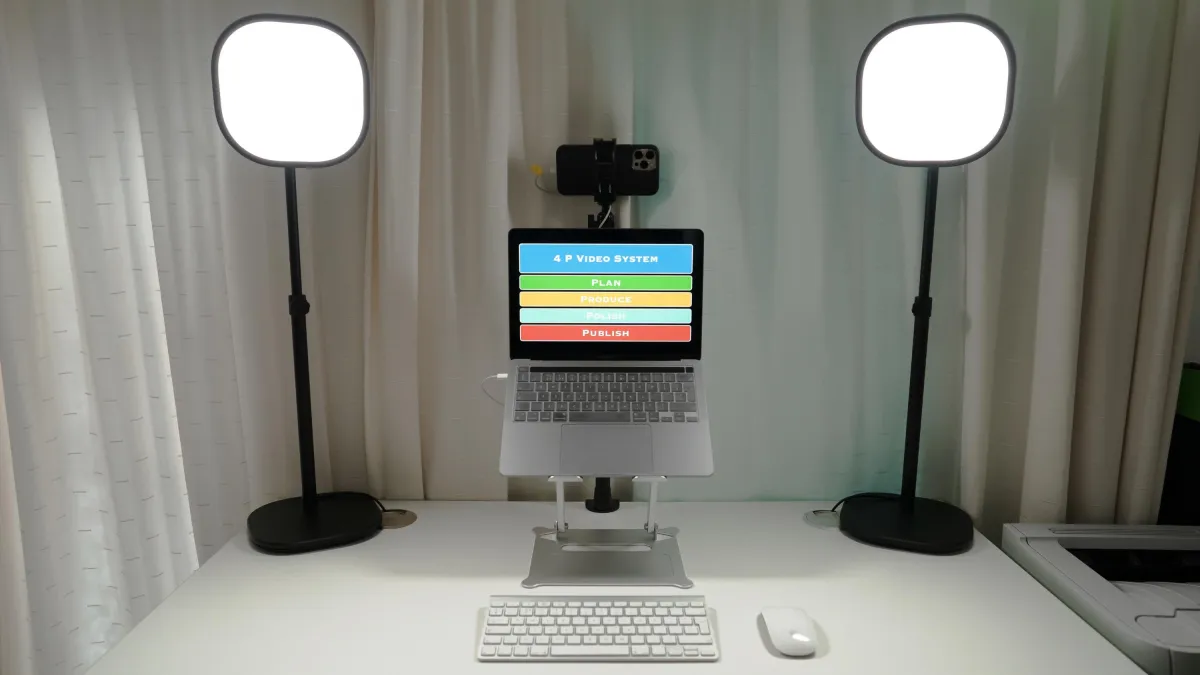
This exclusive online course has four laser focused modules covering the 4 P's of video course creation: Plan, Produce, Polish, Publish.
I've also included an additional (bonus) "Fast start" module that allows you to create and publish your first video in 1 day or even faster, while gaining confidence and skills to build on and refine during the four main course modules. This will also show you how quickly your skill set is improving from your first fast start video to the videos and course content you'll produce by the end of this course.
Bonus 1:
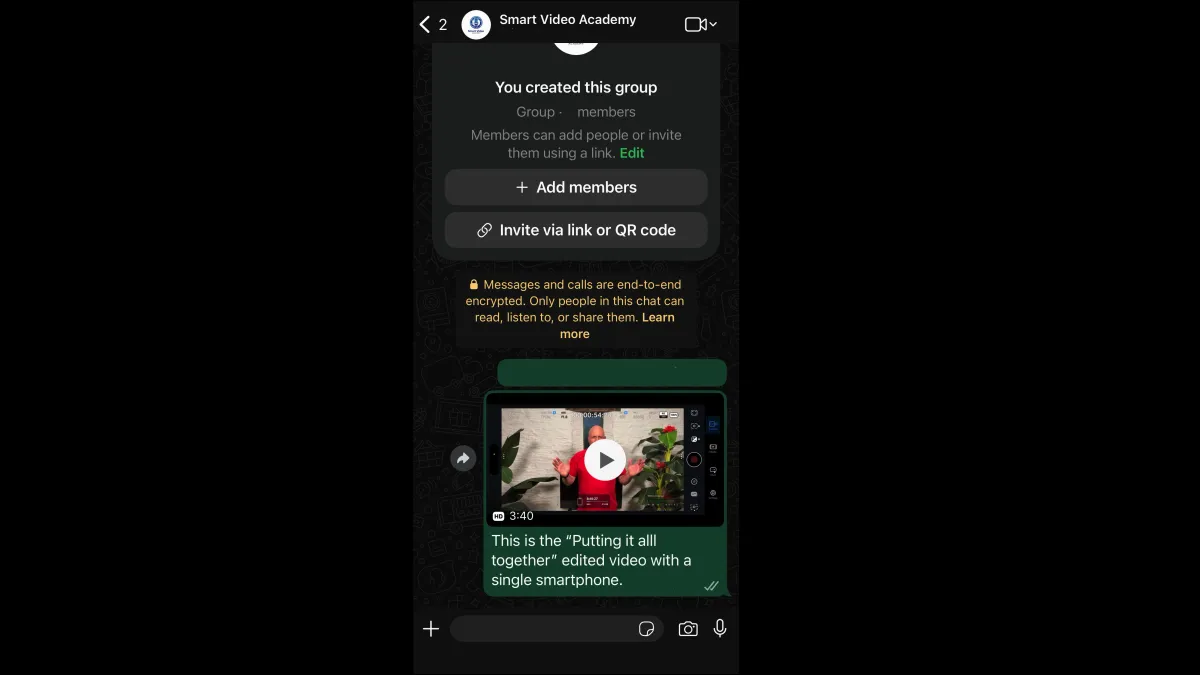
Access to my private Smart Video Academy WhatsApp group, where your questions can be answered, as well as interacting with like minded people all working towards a similar outcome.
Bonus 2:
Access to an overview of how to use your iPhone/Android phone as a high-quality webca. Very useful if you live stream regularly and want to improve the video quality.
I normally charge $297 for this course but right now you can access this business changing online course for $97 for a limited time.
I want to support as many business owners as possible, so I want to ensure the investment is a "no-brainer". I also want motivated business owners achieving great results as quickly as possible.
If you follow this course and aren't able to produce high-quality video for your online course, then I WANT to refund you in full. You have my 30-day money back guarantee if you can't produce high-quality video after following this course.
Play The Video To Discover how your Modern iPhone Can Help Create High quality Video courses
A reminder of what's included:
4 Video Creation Modules (Super focused).
Bonus "Fast Start" module to exercise your "video creation" muscle.
Total course time is under 3 hours - I provide only what you need and NONE of the "fluff"!
The 4 "C's" of how to Plan your videos.
Course planning document & Mindmap for you to "swipe" and re-use for your own course.
Hand selected smartphone accessory and equipment list to enhance your videos.
Discover the BEST iOS/Android video app, that can even be "remote controlled" if you have a 2nd iOS or Android device (now completely interchangeable!)
Learn the most important features of the smartphone video app to enable you to record high-quality video and audio.
Access a simple diagram showing the ideal setup for your smartphone and lights.
Printable "pre-record" checklist - follow this to ensure smooth and hassle-free video creation.
Learn basic editing with the FREE editing app of iOS/Android smartphones to "polish up" your video prior to publishing.
Discover a FREE course hosting platform, where you are guided through creating your course and uploading your final videos.
You get access to our private WhatsApp support group.
Access to my exclusive online course membership site
This training is now fully compatible with both iPhones & Android phones (new for 2026)!
P.S. This offer will sell for $297 which is incredible value. But if you act now, while you’re on this page you can get everything I’ve told you about, for just $97.
Let's be honest, if you pass on this offer today, will you ever produce high-quality video without paying thousands for a professional videographer? Will you always regret not mastering "video course creation" with the incredibly powerful tool (your smartphone) that you're already carrying in your pocket?
Invest in this now and look back with satisfaction at the skills you've mastered and the results you're achieved.